
The official MP3Juice app for Android
The MP3Juice app brings music search and playback to your Android phone. Find songs, albums and artists, play them in a full-screen player and keep your favorites in a personal library.
Discover
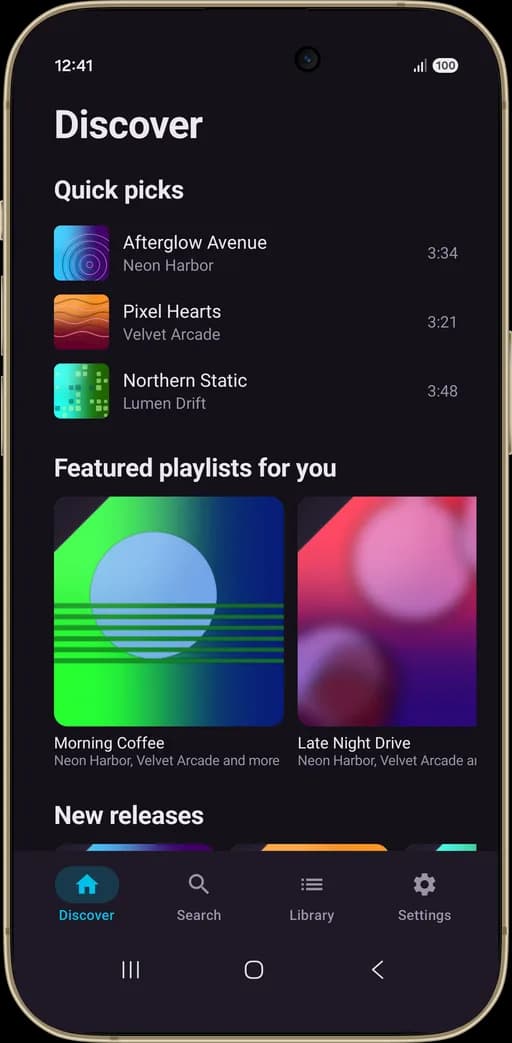
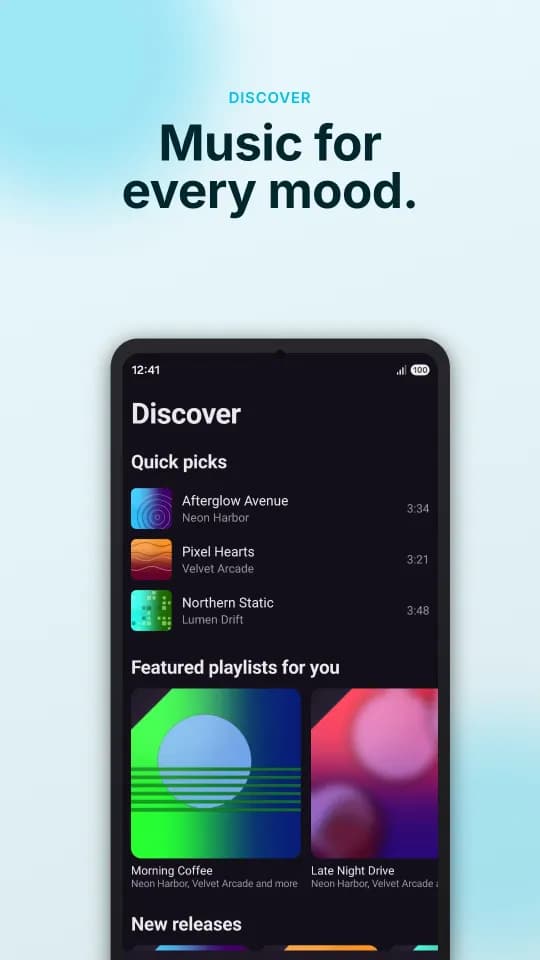
The home screen shows quick picks, featured playlists and new releases, so there is always something to play when you open the app.
Fast search with filters
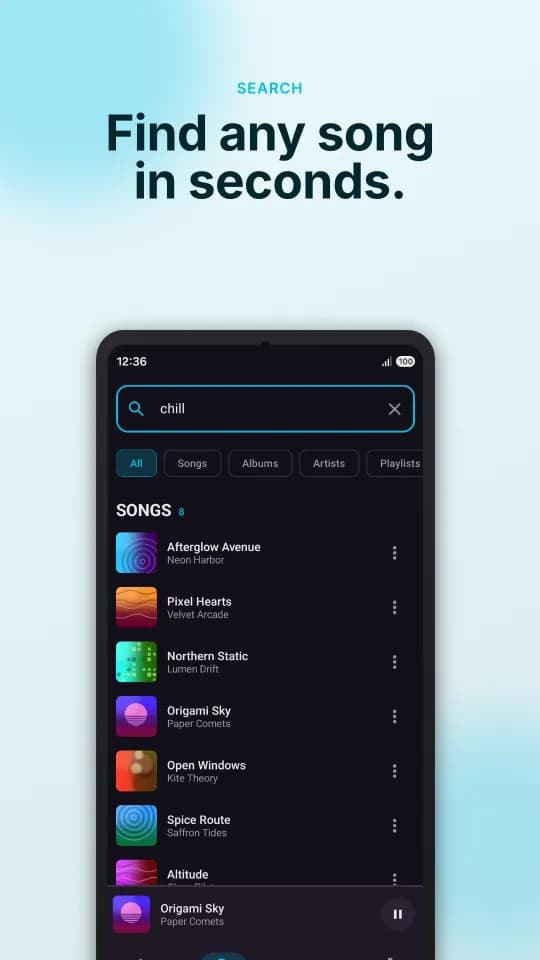
Type a word or a name and narrow the results to songs, albums, artists or playlists with one tap.
Full-screen player
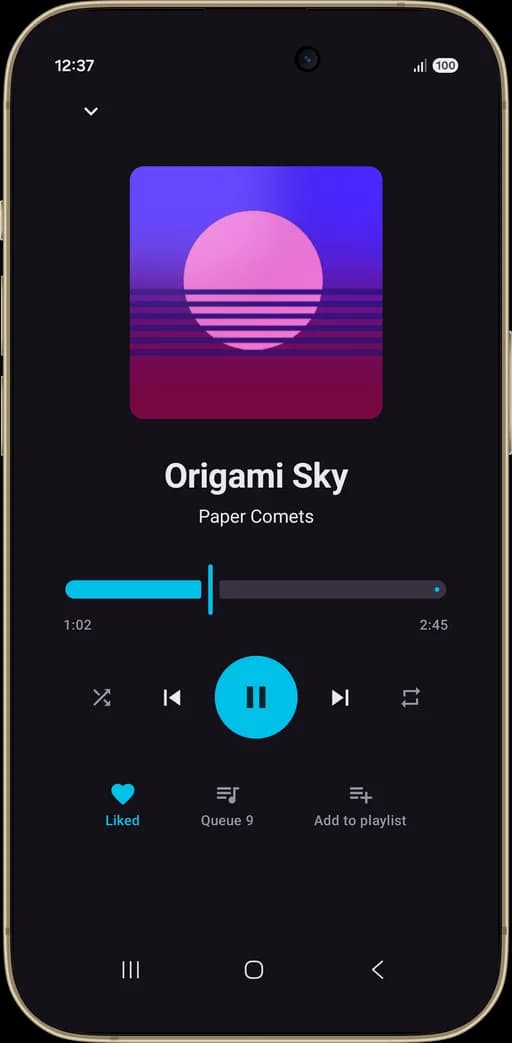
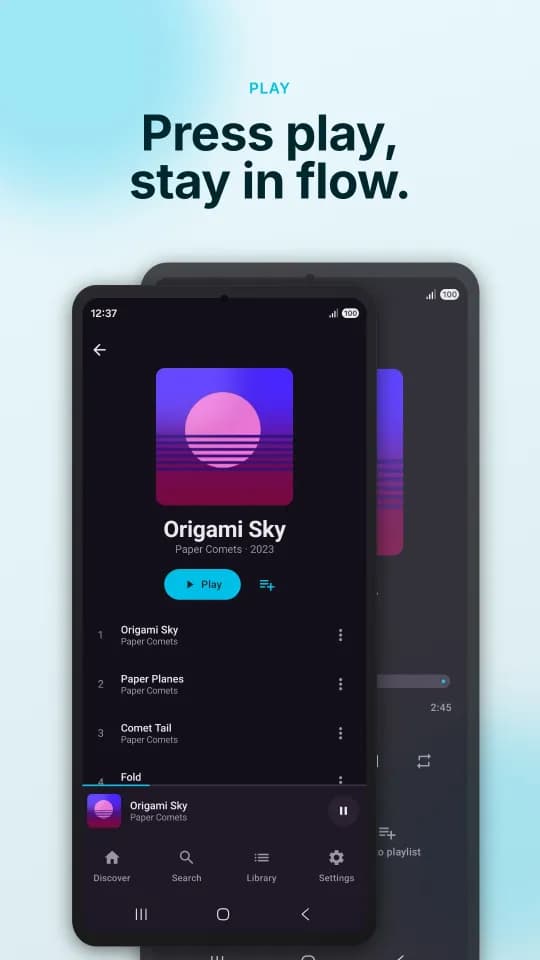
Seek through the track, skip forward or back, and switch on shuffle or repeat. A mini player stays at the bottom while you browse.
Queue and playlists
See what plays next in the queue, add any song to a playlist from the player, and start a whole album with one Play button.
Your library
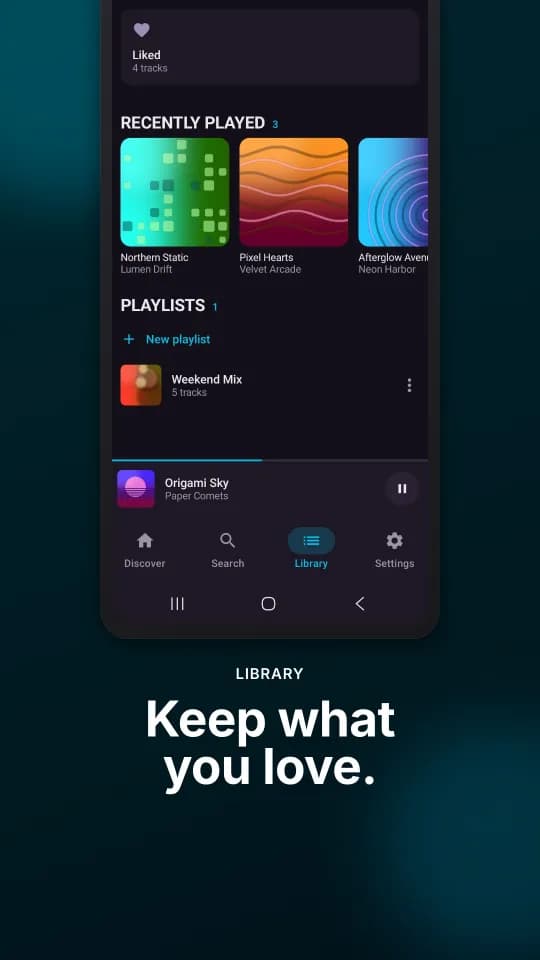
Liked songs, recently played tracks and your own playlists live together in the Library tab. Create a new playlist whenever you need one.
MP3Juice app questions
What can I do in the MP3Juice app?
Discover new releases and featured playlists, search for songs, albums, artists and playlists, play music in a full-screen player with a queue, and keep liked songs and your own playlists in the Library tab.
Is there an MP3Juice app for iPhone?
Not yet. An iPhone version is coming soon. Until then, MP3Juice works in Safari and other iPhone browsers.
Can I keep using the website if I install the app?
Yes. The website and the app are separate, so you can keep searching for and downloading MP3 files in your browser whether or not you install the app.
Where can I download the official app safely?
Install the app only from its official Google Play listing, linked from this page. Avoid APK files from other websites that claim to be MP3Juice, because they may be modified.
What is the difference between the app and the website?
The website is built for searching and downloading MP3 files in the browser. The app focuses on listening, with a full player, a queue, liked songs and playlists.